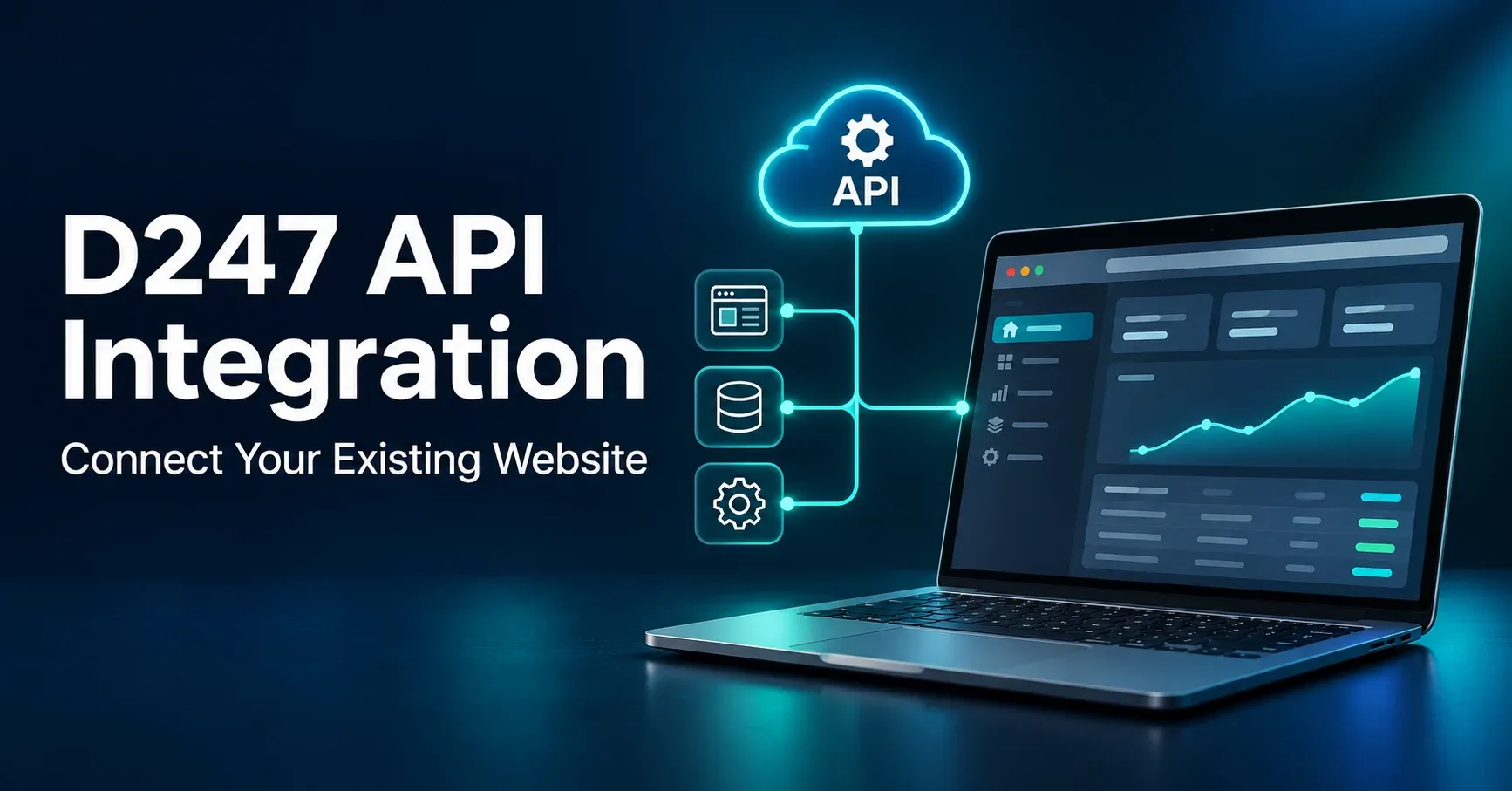
D247 API integration connects supported vendor data and functions to your existing website or backend. Maxway Infotech can review your current platform, assess the available API documentation and scope the development work. If you already have a live site, the first step is to identify what you want to add and which parts of your current setup can support it.
- Review vendor access, API documentation and website compatibility.
- Define the backend changes, admin screens and reports your team needs.
- Get a project estimate based on your website and required features.
Ask for D247 Integration Pricing
What Is D247 API Integration?
D247 API integration is the process of connecting an existing website or application to supported functions available through the selected vendor’s API. It helps businesses bring approved data or workflows into their own platform. The project can include backend development, data mapping, admin screens and testing, depending on the API access and agreed scope.
Can You Connect a D247 API to an Existing Website?
Yes, if the selected API supports the functions you need and your website has a suitable backend. A website may look ready from the outside, but integration depends on how it handles user accounts, stores records and connects to external services. Your developer also needs permission to make and test changes.
Start with the business task you want to improve. For example, your operations team may want to review selected external records in an existing dashboard. Your finance team may need to match an external reference number with a report. These are different requirements, and each calls for a different scope.
If your website needs new pages or backend changes as part of the project, review Maxway’s website development services. For a wider panel project covering configuration and interface changes, see the D247 Panel Provider.
Who Provides API Access and Who Handles Integration?
Confirm who controls the API before you commit to development. The party giving you access may be different from the team connecting it to your website. Getting this clear early helps you understand who handles account setup, recurring fees and technical issues.
| Party | Typical responsibility | What to confirm |
|---|---|---|
| Original API provider | Maintains the underlying service and defines the available API functions and usage terms. | Which functions your agreement covers and where to get documentation. |
| Reseller or aggregator | May arrange access under its commercial agreement or provide access through its own interface. | Who issues credentials, invoices recurring fees and handles vendor-side support. |
| Integration partner | Reviews your systems and builds or configures the agreed connection. | Who handles backend work, testing, deployment and maintenance. |
Maxway Infotech’s role in this project is technical review, integration and related development within the agreed scope. If you are comparing a D247 Provider and an integration partner, ask who supplies API access and who will maintain the connection after launch.
What Can Maxway Infotech Deliver?
API and backend connection
Maxway can review how the selected API verifies requests and which functions your account can use. That review helps define what your backend needs to send, what data it can receive and how returned records should be matched to your own system. Supported functions depend on the vendor documentation and the access granted to your account.
Admin screens and reports
A D247 admin panel project can include agreed changes to existing screens, report filters and user permissions. For example, an operations user may need to look up a record by reference number, while a manager may need to export a report. Defining those tasks before development helps your team decide which screens and permissions belong in the first release.
Customization, testing and handover
D247 panel customization may involve branding, dashboard layout or custom reporting where the underlying product allows it. Maxway can scope which changes are possible and which need custom development. Handover can include configuration instructions, test results and deployment notes, depending on what is agreed.
How the Integration Works in Practice
Illustrative example. A business has an existing website and wants its operations team to view selected external records in the admin dashboard. The selected API supplies a record reference and status. The website’s backend matches the reference to its own record and displays the latest available status to authorized staff.
The team should also decide what happens when the vendor connection is delayed. One option is to show the last update time and mark the status as pending verification. During testing, staff can check that a delayed response never looks like a newly confirmed update.
The specific data fields, update method and dashboard behavior depend on the selected API and the website’s architecture.
How Maxway Approaches D247 Panel Setup and Integration
- Review your existing website. Share your website URL, backend technology and the workflows you want to connect. The review identifies what your team can reuse and where changes may be needed.
- Check vendor access and documentation. Confirm which API functions are available, how credentials are issued and whether the vendor provides a test environment or sample responses.
- Agree on scope and acceptance criteria. Define what the project will deliver and how your team will check it. For example, an admin should be able to find a record using its agreed reference field.
- Build and connect the agreed components. This can involve backend development, data mapping, dashboard updates or D247 panel setup, depending on the project.
- Test routine use and exceptions. Check successful requests, delayed responses and incomplete records. Where performance testing is in scope, agree on the expected workload and use it to define test cases.
- Deploy and hand over. Confirm who approves release, who can access the configuration and which documentation your team will receive.
- Agree on post-launch maintenance. Define who handles reported defects, vendor API changes and future platform updates. Scope new features separately so development costs stay clear.
Who Is This Service For?
This service is suitable for businesses with an existing website, a defined workflow and access to a supported vendor API. It can also help teams planning a new portal that needs to connect to an established backend or reporting system.
Consider it if you already manage operations through a dashboard and want to bring selected external data into the same view. Another use case is a business replacing a manual reporting process with an API-backed report. A custom admin interface may also make sense for teams that need different access levels for operations and reporting staff.
If you are still assessing vendors or waiting for API access, start with a scoping review. Documentation and vendor approval help establish which features can be included in a reliable estimate.
Why Work With Maxway Infotech on the Integration?
An existing website can require changes in several places. A new dashboard field may also need a backend update, a permission check and a test for missing records. Maxway Infotech’s development team works across websites, applications and integration projects, which allows those requirements to be discussed together.
Ask for the proposed work to be listed by deliverable. For example, the scope can specify which screens will change, which records will be connected, what will be tested and what your team will receive at handover. This gives both sides a clear way to check whether the work is complete.
How Much Does D247 API Integration Cost?
D247 API integration pricing depends on your existing website, vendor access and the work you want included. Connecting supported data to an existing backend is a different project from adding dashboard screens, permissions, reports and ongoing maintenance. Contact Maxway Infotech directly for a project-specific quote. You can start with your website URL and a short description of what you want to connect.
| Cost item | What to ask about in your quote |
|---|---|
| One-time integration fee | Which backend changes, screens, testing and deployment work are included? |
| Vendor API access or licensing | Who supplies access, who bills for it and which fees recur? |
| Hosting and monitoring | Does the connection require additional infrastructure or monitoring, and who manages it? |
| Ongoing maintenance | What support is included after launch, and how are new features or vendor changes priced? |
When you contact us about D247 panel pricing, mention whether you already have API access. If you know your website technology or the features you need, include those details too. Ask for a breakdown of the one-time integration fee, any vendor charges and optional ongoing support so you can compare the full cost before deciding.
Contact Maxway to Ask for Pricing
D247 API Integration FAQs
What is included in a D247 API integration project?
The scope can include an API review, backend connection, data mapping, dashboard changes, testing and deployment. Confirm the deliverables in writing before work begins. Vendor access, hosting and ongoing maintenance may have separate terms and should be listed clearly in the estimate.
Can you integrate a D247 API into my current website?
Yes, if your website and the selected API are technically compatible. The review looks at your backend, available developer access, relevant API functions and any changes your platform needs. Share your website URL and describe what you want users or staff to be able to do.
Can I see a demo or use a sandbox before development?
Ask about both when discussing your project. A demo can help your team understand the proposed workflow. A sandbox, when available from the vendor, lets developers test requests and responses before using production access. Availability depends on the selected service and account arrangements.
Who arranges the API account and licence?
The account and licence depend on your agreement with the selected provider or reseller. Confirm who issues access, which functions your agreement covers and who pays any recurring charges. Maxway can review the available documentation and scope the technical work around that access.
How do I get a quote for D247 API integration?
Contact Maxway Infotech with your website URL, required features and API access status. Ask for the estimate to show development fees and third-party costs separately. If your requirements are still taking shape, describe the workflow you want to improve so the team can help define the scope.
How long does D247 panel setup and integration take?
The timeline depends on when vendor access is ready, the quality of the documentation, the work needed on your website and how much testing the project requires. A milestone-based estimate can identify which stages depend on vendor approval, your team’s review or access to a test environment.
Will I receive the source code?
Source-code delivery depends on the agreement. Ask which custom components are included, what you can modify and whether any vendor software or third-party libraries have separate usage terms. Agree on the handover items before development so your team knows what it can maintain after launch.
Is maintenance included after launch?
Maintenance is included when it is part of the agreed scope. Confirm who handles defects, monitoring and vendor API changes, and how long the arrangement lasts. New reports, extra integrations or major interface changes may require a separate estimate.